
Monsoon gadget care: 6 practical ways to protect Wi-Fi routers and electronics from moisture |


Electronic devices face more than power cuts during the rainy season. High humidity can quietly affect Wi-Fi routers, laptops, televisions, and speakers even when they never come into contact with rainwater. Over time, it finds its way into charging ports, cable connections, and tiny openings that are easy to overlook. A Wi-Fi router might start running hotter than usual. Speakers can sound muffled. Charging ports may also collect condensation.Humidity is one of the biggest threats to household electronics in wet weather, but protecting them doesn’t usually need expensive equipment. A few sensible habits and the right storage conditions can improve moisture exposure and keep devices running reliably right through the rainy season. Here are six simple ways to look after your Wi-Fi router and other household electronics.
6 practical ways to protect your electronics
1. Keep electronics away from damp walls and windows
Walls that face constant rain often hold onto moisture for days, even when they look dry on the surface. Windows can also mist up during humid weather. Placing a router, television, or speaker close to either increases the chance of moisture reaching sensitive components over time. An interior shelf or table offers far better protection through the rainy months.
2. Give devices room to breathe
Humidity builds up fast in enclosed spaces. A router tucked inside a cabinet or behind furniture traps warm, damp air around itself with nowhere for it to go. Positioning devices in open areas with decent airflow allows the humidity to disperse and helps internal components stay cooler and drier day to day.
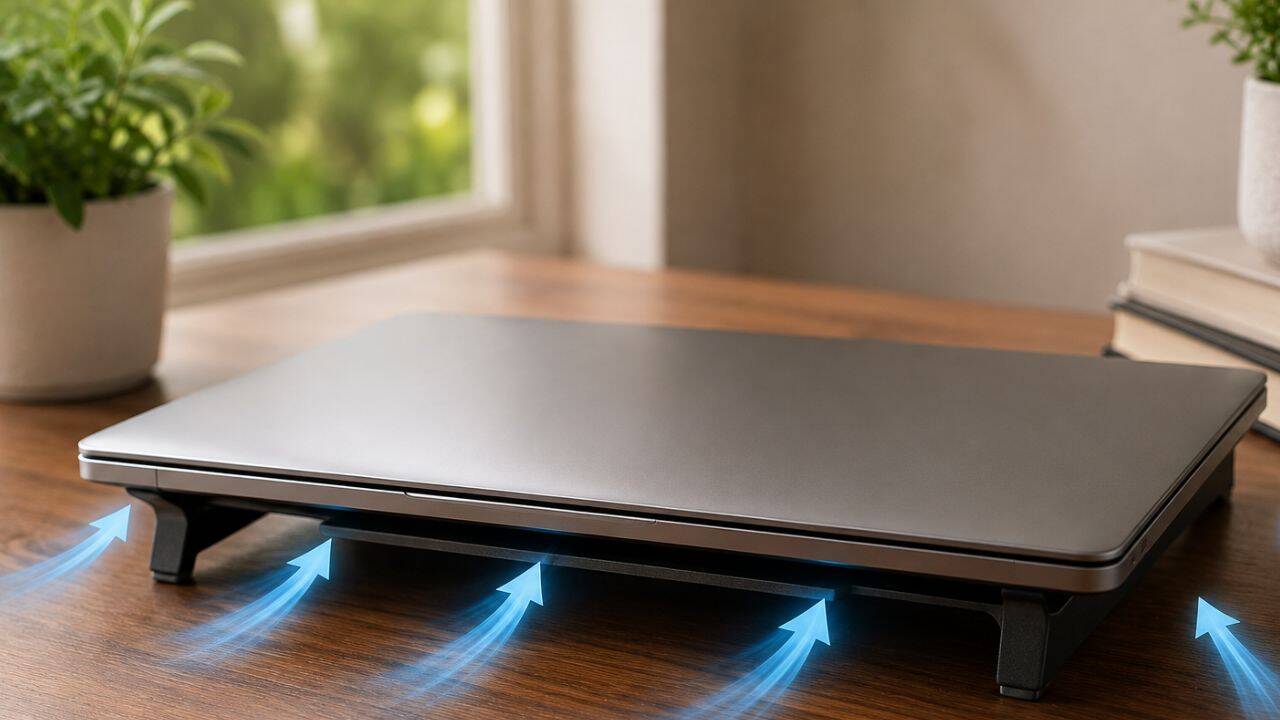
PC: AI Generated
3. Store unused electronics with silica gel packets
Gadgets that are not used daily are often enclosed in drawers or storage boxes for weeks, giving moisture plenty of time to build up. Silica gel packets draw excess humidity out of the surrounding air and keep the storage environment drier. They are especially useful for cameras, headphones, portable hard drives and gaming accessories.
4. Wipe away condensation
Water droplets on a router, monitor, cable or charging port are not a good sign. Even a small amount of condensation can encourage corrosion if it sits there for long. A gentle wipe with a clean microfibre cloth clears the moisture before it settles, and keeping nearby surfaces dry helps stop condensation.
5. Let damp devices dry naturally
If a device gets damp from rain, an accidental splash or condensation, resist the urge to switch it straight on. The safer thing is to turn the device off, unplug it, and leave it in a dry, well-ventilated room until every trace of moisture gets removed.
6. Use a dehumidifier or moisture absorber
Some rooms stay damp all season regardless of ventilation. In these spaces, a small dehumidifier or a household moisture absorber can bring humidity down before it reaches the equipment. Lower indoor humidity is good for routers, televisions, computers and audio gear, and it helps protect furniture and books both.
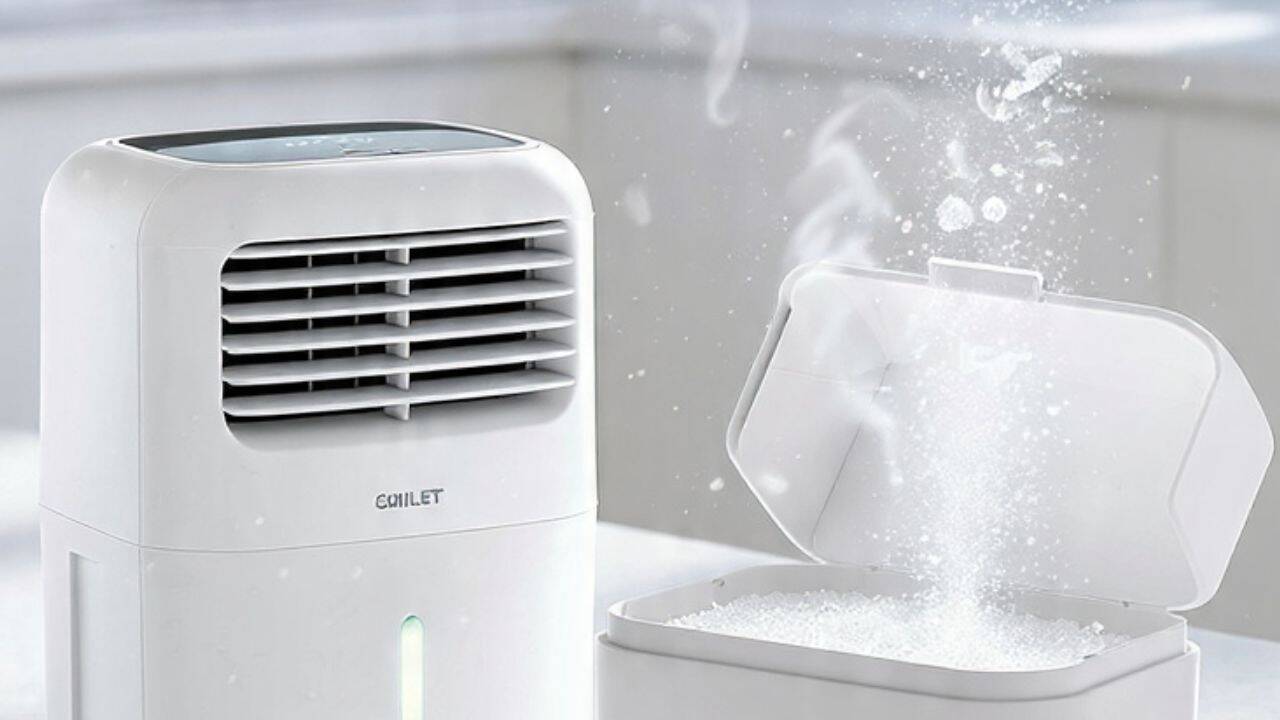
PC: AI Generated


